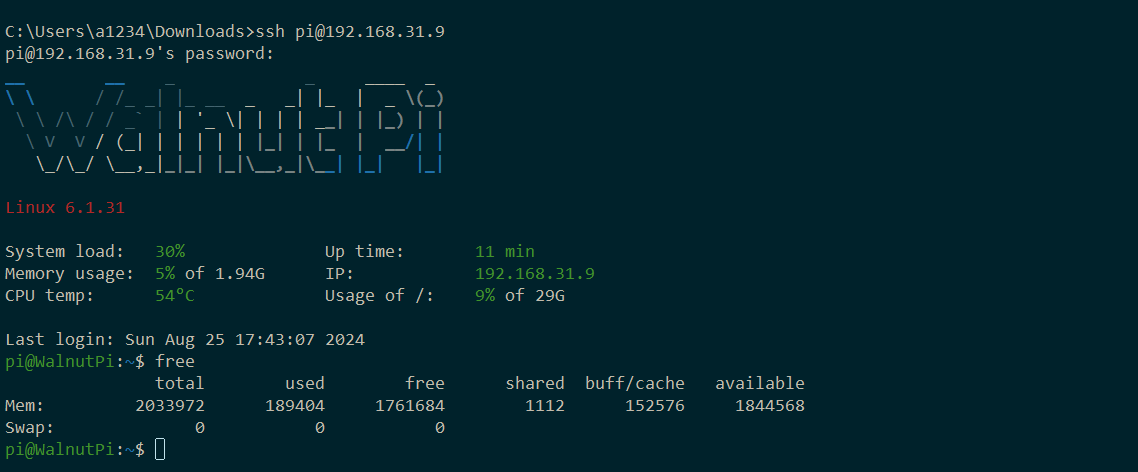
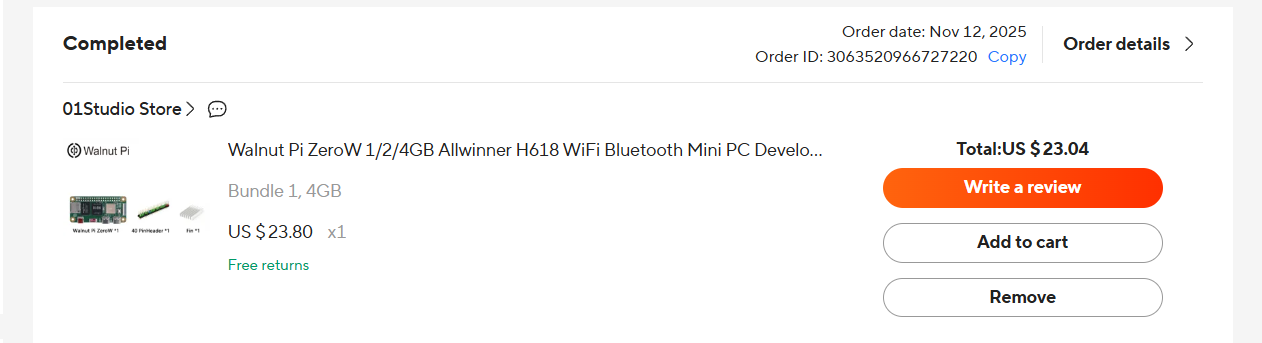
I recently received a package containing a Walnut Pi ZeroW board. I installed the “2025-3-6_V2.5.1_WalnutPi-1B_6.1.31_debian12_desktop.img” image onto a microSD card.
I installed the SD card in the SD slot as directed, connected a mini monitor via a micro-HDMI cable, and powered it on.
There’s no picture, whether from the mini display, another large display, or the TV.
I connected the keyboard via a USB hub—I can see that I can change the NAMLOC state.
Unfortunately, the lack of video output (even text) makes it very difficult for me to perform basic setup.
Perhaps they sent me a board with a defective HDMI output?